320+ FREE WRITING PROMPTS
The AI Writing Vault
Every prompt a working writer needs — blog posts, sales copy, email sequences, and content strategy. Copy. Paste. Publish.
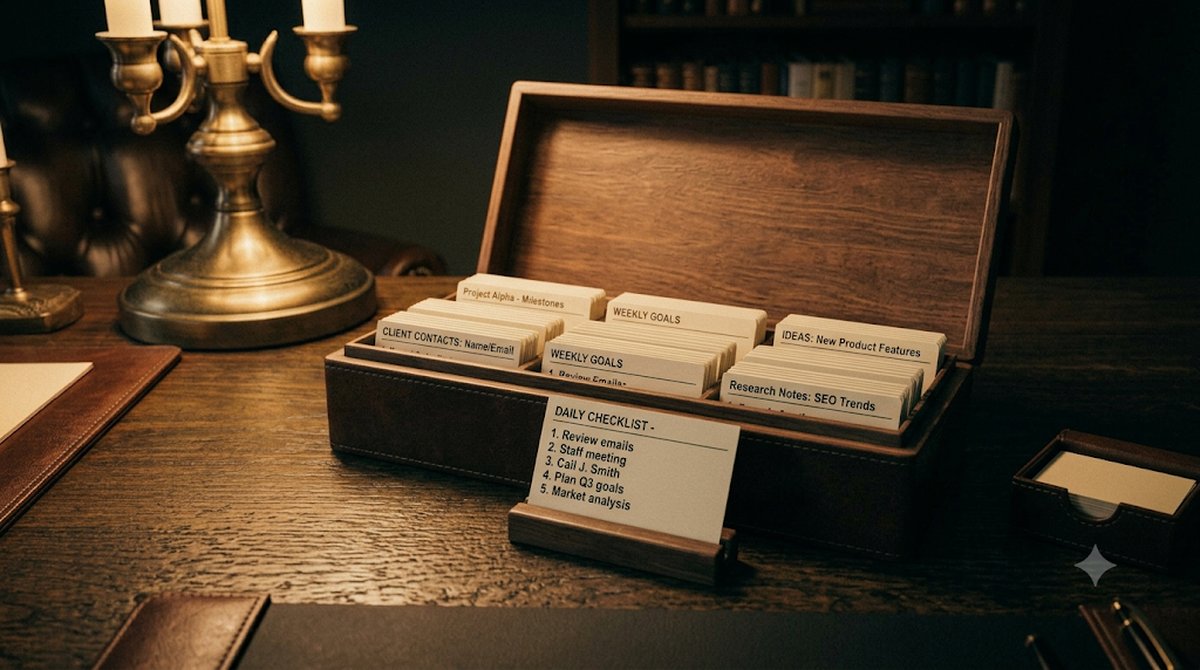
Every prompt a working writer needs — blog posts, sales copy, email sequences, and content strategy. Copy. Paste. Publish.
Every category is built for working writers — not hobbyists. These prompts produce publish-ready output.
Outlines, intros, conclusions, listicles, how-tos, SEO posts, pillar content, opinion pieces, and everything between.
Sales pages, landing pages, headlines, product descriptions, ad copy, and persuasion frameworks that convert.
Subject lines, welcome sequences, newsletters, cold outreach, re-engagement campaigns, and broadcast emails.
Content calendars, audience research, SEO keyword planning, competitive analysis, and repurposing frameworks.
10 prompts from across the vault. Click any to copy.
BLOG — OUTLINE
Write a detailed blog post outline for "[topic]". Include: a hook intro, 5 H2 sections with 3 bullet points each, a FAQ section with 4 questions, and a conclusion with a clear CTA. Target keyword: [keyword]. Reading level: 8th grade. Tone: [authoritative/conversational/inspiring].
COPY — HEADLINE
Write 10 headline variations for a [product/service] targeting [audience]. Use these formulas: How-to, Number + Benefit, Question, Bold Claim, Social Proof, Fear of Missing Out, Before/After, Specific Result, Curiosity Gap, and Direct Address. Make each under 10 words.
EMAIL — SUBJECT LINES
Write 15 email subject lines for [campaign goal]. Include: 5 curiosity-based, 5 benefit-led, and 5 urgency/scarcity variations. Each under 50 characters. Mark which would work best for cold audiences vs warm subscribers.
STRATEGY — CONTENT CALENDAR
Create a 30-day content calendar for [brand/niche]. For each week, specify: 2 long-form blog posts (with headline + angle), 5 short social posts (with hooks), 1 email newsletter (with subject line), and 1 piece of repurposed content. Focus on the theme: [theme].
BLOG — SEO INTRODUCTION
Write a 150-word SEO-optimized introduction for an article about "[topic]". Include the target keyword "[keyword]" in the first sentence. Open with a surprising statistic or bold statement. End with a clear statement of what the reader will learn. Do not use "In today's world" or "In this article".
COPY — LANDING PAGE
Write a high-converting landing page for [product]. Include: hero headline + subheadline, 3 key benefits (each with icon concept, bold statement, and 2-sentence explanation), social proof section (3 testimonial frameworks), FAQ (5 objection-busting answers), and a CTA button with 3 variations. Use PAS framework throughout.
EMAIL — WELCOME SEQUENCE
Write a 5-email welcome sequence for new subscribers to [brand/newsletter]. Email 1: deliver the lead magnet + set expectations. Email 2 (Day 2): your origin story in 200 words. Email 3 (Day 4): best content/resource. Email 4 (Day 7): address top objection. Email 5 (Day 10): soft pitch for [offer]. Each email under 300 words.
STRATEGY — AUDIENCE ICP
Build a detailed Ideal Customer Profile (ICP) for [business/product]. Include: demographics, psychographics, top 3 pain points, goals, what they've already tried, where they consume content, objections to buying, and the exact phrases they'd use to describe their problem. Format as a one-page reference card.
BLOG — LISTICLE
Write a complete "X ways to [achieve outcome]" article for [audience]. For each item include: a bold subheading, a 2-sentence explanation, one concrete example, and a single actionable step the reader can take today. Make the list [10/15/20] items. Tone: practical, direct, zero filler.
COPY — PRODUCT DESCRIPTION
Write 3 product description versions for [product] at different lengths: 50 words (for cards/thumbnails), 150 words (for listings), and 300 words (for product page). Each should lead with the primary benefit, address the top objection mid-copy, and end with a sensory or outcome detail that makes it feel real.
These prompts work best with the right AI tool. Honest picks — we earn a small commission if you sign up.
Turn your writing into podcast audio, narration, or video voiceovers. Best voice AI on the market.
Try ElevenLabs →AI-powered research that finds current data, cites sources, and saves hours of manual fact-checking.
Try Perplexity →570+ prompts across coding, marketing, productivity. Our sister vault — free to explore.
Explore Vault →Affiliate disclosure: we may earn a commission at no extra cost to you.
Yes — completely free, no signup, no credit card, no usage limits. It runs entirely in your browser.
You fill in your details, and the tool builds expert-level prompts around them. Copy a prompt into ChatGPT, Claude, or Gemini and the AI writes the full result. The structure of the prompt is what makes the output dramatically better than asking the AI cold.
No — the prompts work with the free tiers of ChatGPT, Claude, and Gemini. Paid models produce somewhat richer output, but the free versions handle these prompts well.
Every prompt here is structured — role, context, constraints, output format — instead of a one-liner. That structure is what turns a mediocre AI answer into a usable one.
No. Nothing you type is sent to a server or stored — the page has no backend. Close the tab and it's gone.
Same network — every tool is free, needs no signup, and runs entirely in your browser.